


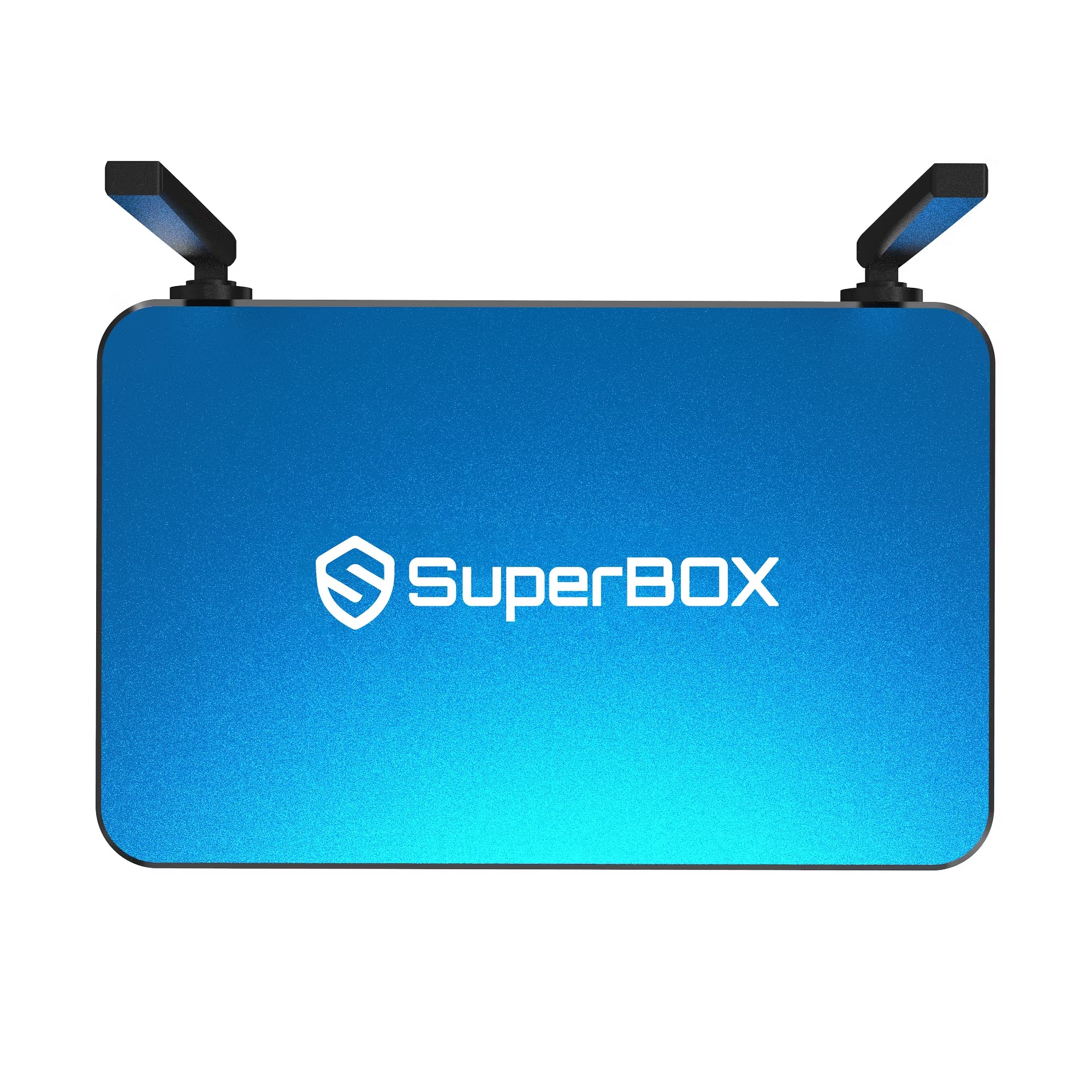
SuperBox S8 Max
$499.00 Original price was: $499.00.$399.00Current price is: $399.00.
- Picture-in-picture and multi-screen viewing let you watch a second program in a corner or side by side.
- Built-in screen recording saves what’s playing, so you can watch it again later.
- An upgraded streaming system means less buffering, quicker channel changes and a steadier picture on busy evenings.
- The redesigned interface uses large tiles and a Quick Access row, so your favorite apps are one click away.
- Extended 7-day time shift lets you pause, rewind and catch up from the past week.
- Parental control locks the contents you choose behind your code, so kids can browse safely on their own.
- 4K stunning visuals look sharp on a 4K TV, backed by an H.265 decoder rated up to 6K at 60fps.
- Wi-Fi 6 and 1000Mbps Ethernet give you a fast, stable connection, with two external antennas for a stronger signal.
- Smart voice command lets you search, move through menus and control playback just by speaking into the remote.
- Advanced hardware connectivity includes HDMI, USB 3.0, USB-C, Bluetooth 5.2 and USB-C power, with 4GB RAM and 64GB storage.
- Secure, encrypted checkout
- Visa
- Mastercard
- American Express
- Discover
- PayPal
- Free express shipping Ships from the US, usually within 1 business day.
- 30-day money-back guarantee Full refund of the purchase price. Returns policy
- 1-year warranty Covers manufacturing defects from the day it arrives.
SuperBox S8 Max · 2027 model
The SuperBox S8 Max lets you watch two things at once
The S8 Max is the 64GB model in SuperBox’s S8 lineup, and the biggest change is on the screen itself. Picture-in-picture and multi-screen viewing let a second program sit in a corner, or share the TV with the first. It can also record what’s playing, keep supported programs available for up to 7 days, and connect over Wi-Fi 6 or a 1000Mbps cable.
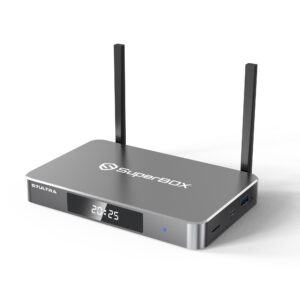
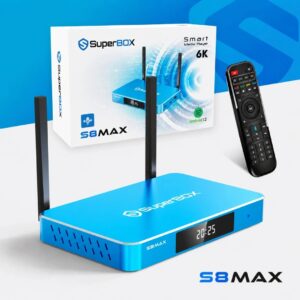
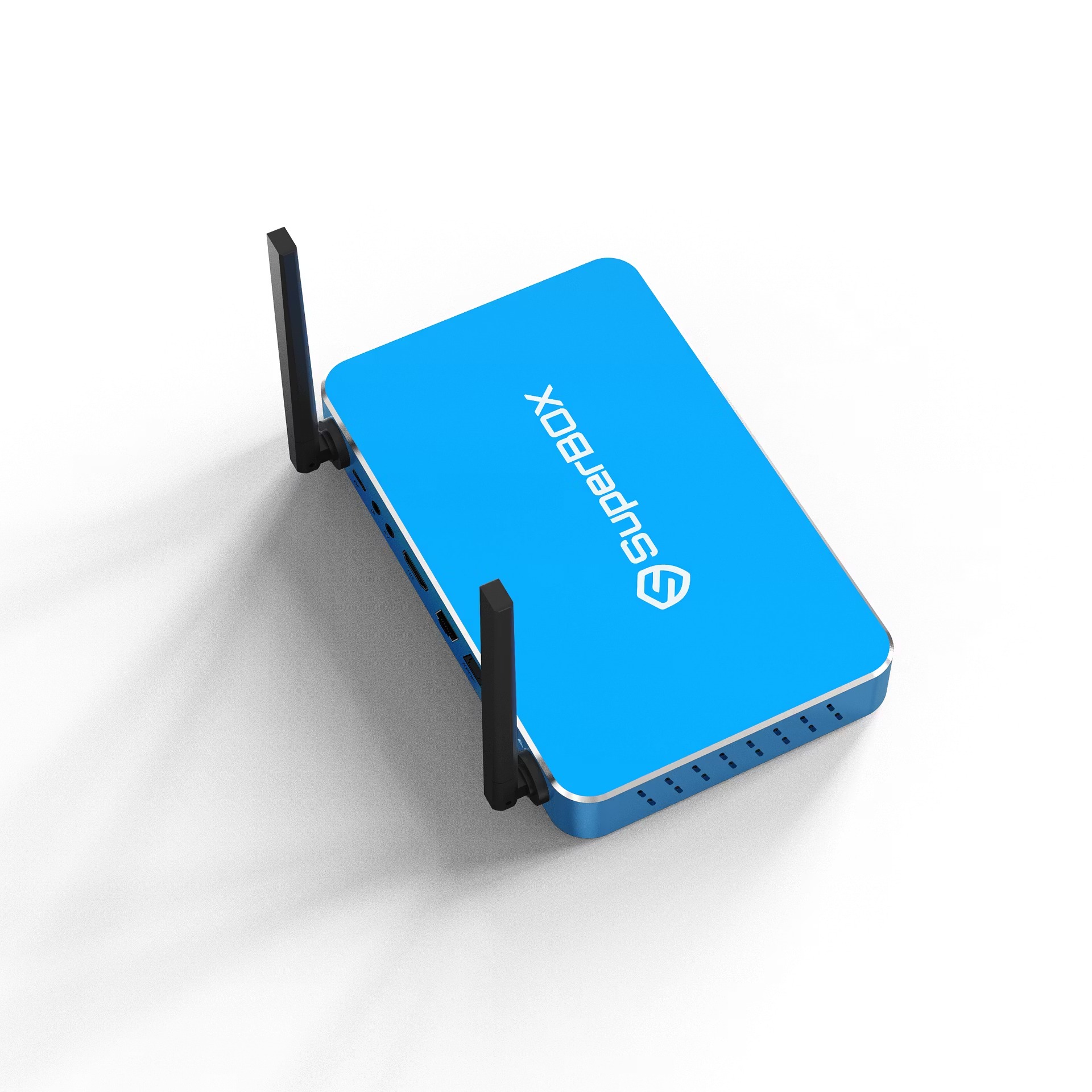
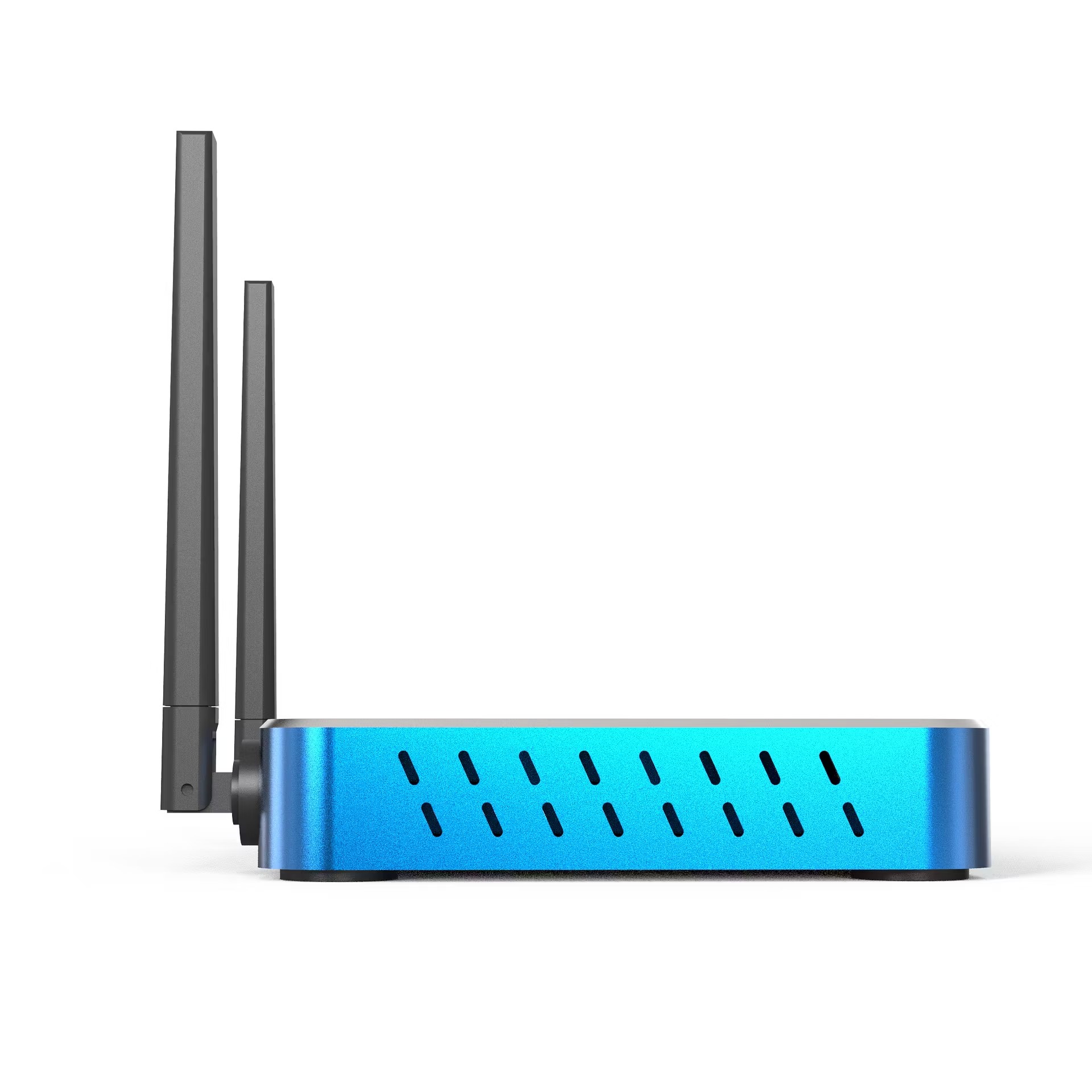
Inside the blue aluminum case you’ll find Android 12, a quad-core processor, 4GB of RAM and 64GB of storage. There’s no fan, so the box is silent, and a small clock shows through the front glass.
- 64GB
- eMMC storage
- 4GB
- RAM, Android 12
- 7 days
- time shift
- Wi-Fi 6
- + 1000Mbps Ethernet

New in the S8 series
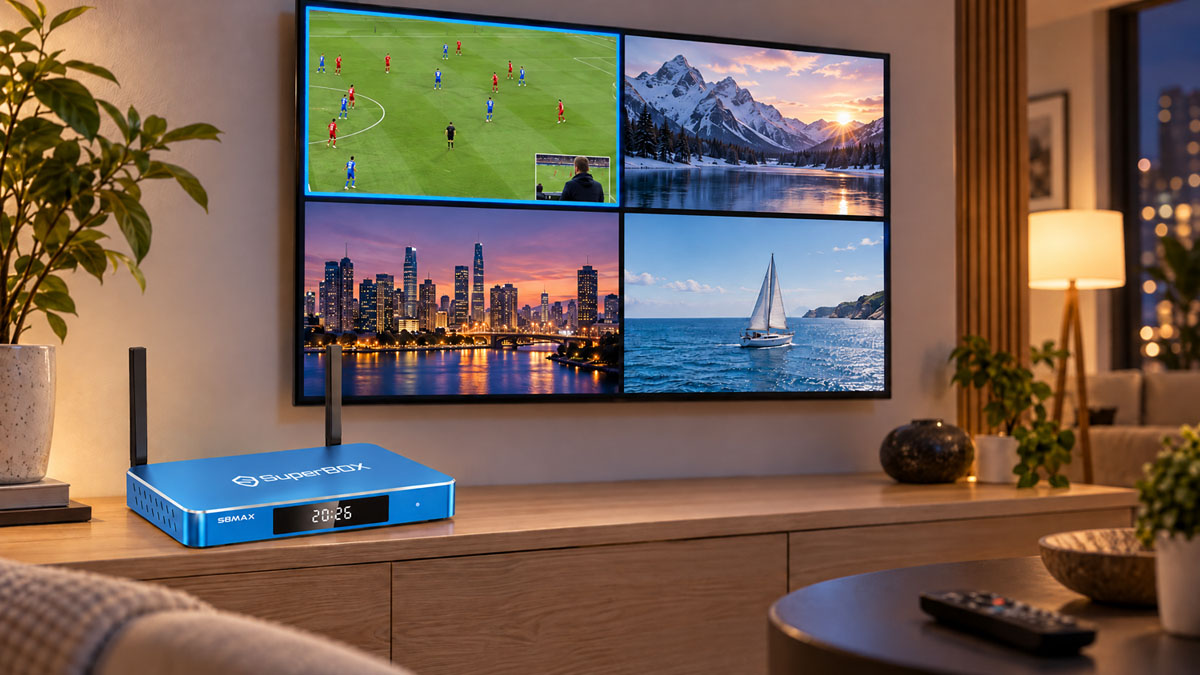
Picture-in-picture and multi-screen viewing
Picture-in-picture keeps one program playing full size while a second one runs in a small window. Multi-screen goes a step further and splits the TV into separate panes, so you can follow two or more supported programs side by side.
On the S8 Max, multi-screen works across all supported channels. The S8 Pro and S8 Plus only allow it on a small group of channels, so if this is the feature you want, the Max is the one to get.
Where it comes in handy
- Keeping an eye on a game while the rest of the family watches a film
- Following two matches that start at the same time
- Checking the news in a corner window without losing your place
Keep it for later
Built-in screen recording
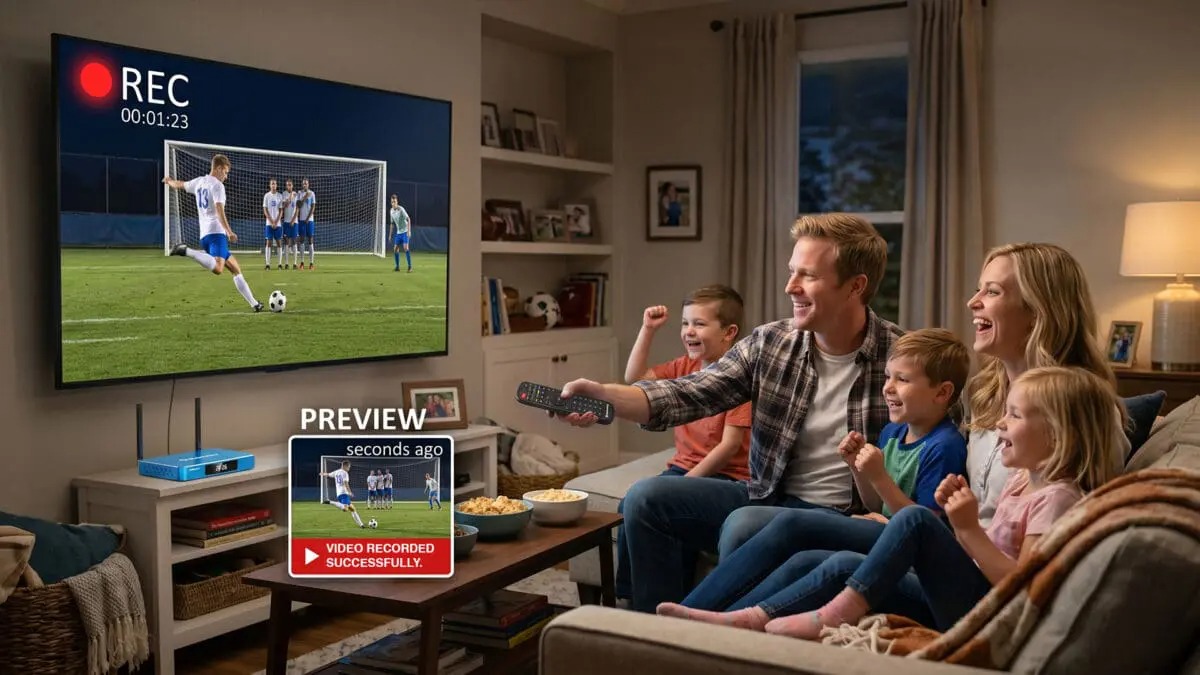
See something worth keeping? Press record and the S8 Max captures what’s on screen, so you can watch it again whenever you like. Your clips are kept in the Recorder app, where you can play them back or delete the ones you’re done with.
You start and stop each recording yourself. How much you can keep depends on free space, so if you plan to record a lot, plug a USB drive into the USB 3.0 port.
- RecordPress record while it plays
- Watch laterPlay it back any time
Fewer pauses
An upgraded streaming system
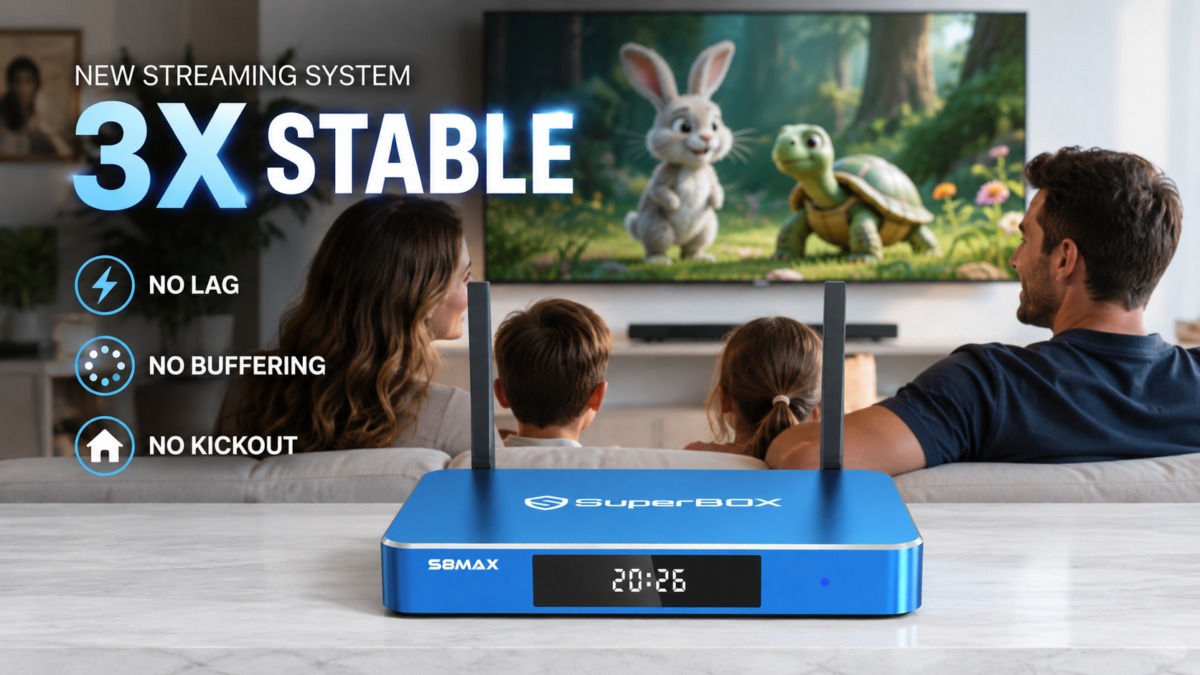
SuperBox reworked the way the S8 series connects and loads video. The goal is simple: less waiting for things to buffer, quicker starts when you change channels, and a steadier picture on busy evenings and during big events.
The hardware helps as well. A quad-core Cortex-A53 processor and 4GB of RAM run Android 12 smoothly, and the network side is built for modern routers (more on that below).
Easier to find your way
A redesigned interface that’s quicker to get around
The S8 home screen is cleaner than the one on earlier SuperBox models. Big tiles take you straight to each section, and a Quick Access row keeps your favorite apps one click away. You decide what goes in it.
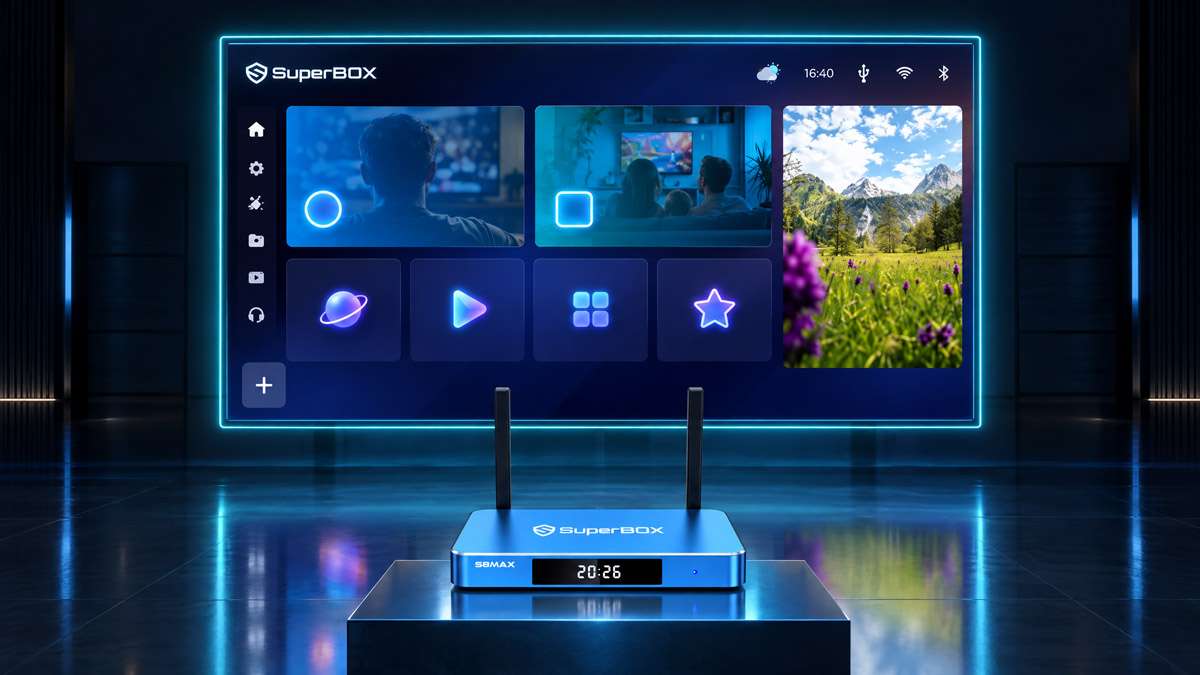
- Large tiles that go straight to TV, movies and shows, Playback
- A Quick Access row for the apps you use most. Add or remove apps whenever you like
- Favorites and History, so the things you watch are always close by
- Filters to narrow long lists, and resume to pick up where you stopped
- A built-in cleaner that clears cached data and leftover install files
Catch up on the week
Extended 7-day time shift
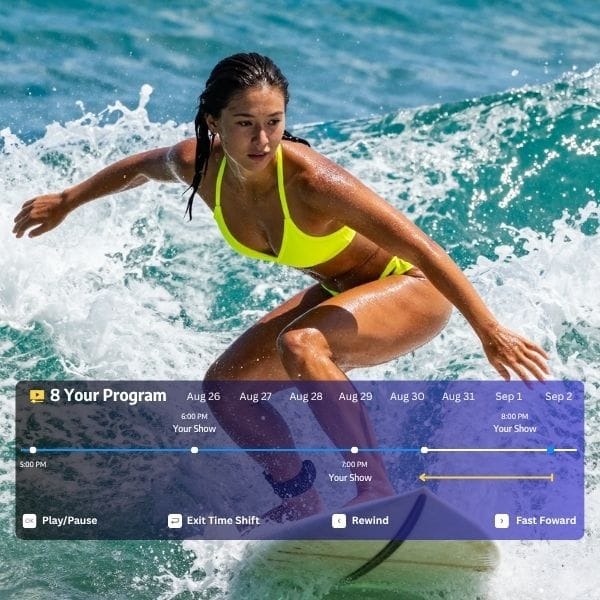
Missed something on Monday? With time shift, supported programs stay available for up to seven days after they air. Open Playback, pick the day, then choose the show from that day’s schedule.
You can also pause or rewind a program while it’s playing and carry on from the same spot. The S6 series could go back 8 hours. The S8 Max goes back a full week.
- Thu
- Fri
- Sat
- Sun
- Mon
- Tue
- Today
Bars drawn to scale: 8 hours vs 168 hours.
For families
Parental control you can set up in minutes
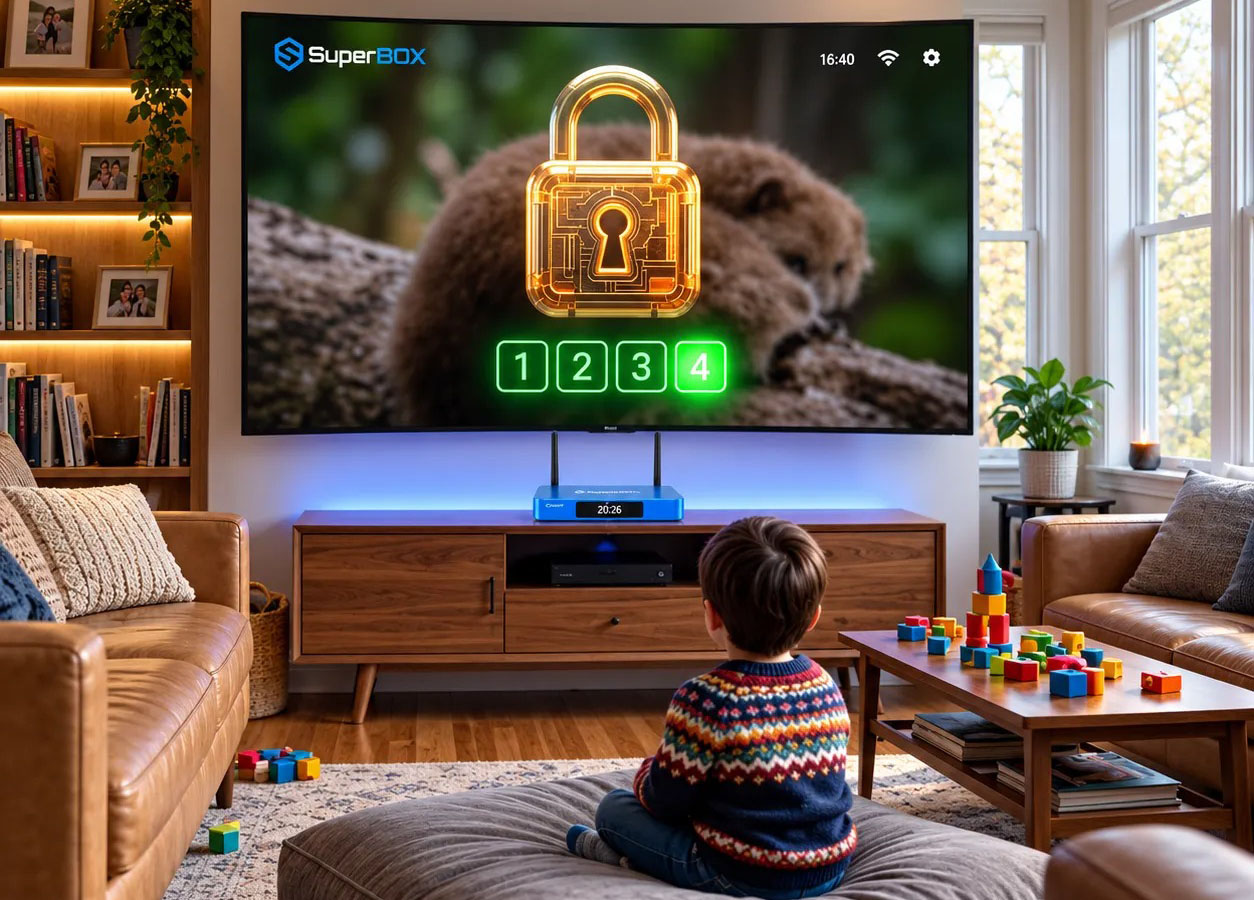
Lock the contents you don’t want children to open. A locked content asks for your code before it plays, so kids can browse on their own without ending up somewhere they shouldn’t.
Once the box is set up, take a minute to check the controls inside any app your family uses.
- Lock individual contents
- Change or remove a lock whenever you need to
Picture quality
4K stunning visuals
Connect the S8 Max to a 4K TV and you get a sharp, detailed 4K picture with smooth motion in fast scenes. The Mali-G31 MP2 graphics chip and H.265 decoder are rated for video up to 6K at 60 frames per second, so 4K has plenty of headroom.
H.265 also packs high-quality video into less data, which helps when your connection is having a slow day. Using a 1080p TV? The box simply sends a picture your TV can show.
- 4K
- picture on a 4K TV
- 6K@60
- decoding headroom
- H.265
- efficient video

Two strong ways to connect
Wi-Fi 6 and 1000Mbps Ethernet
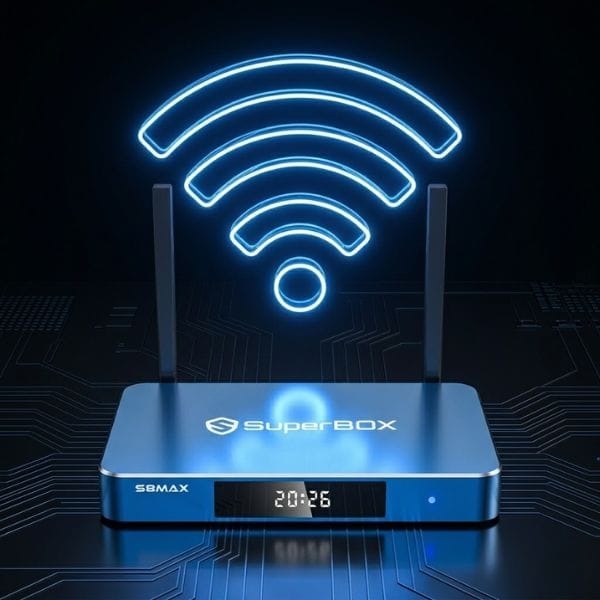
Wi-Fi 6 runs on both 2.4GHz and 5GHz, and the two external antennas help the S8 Max hold a strong signal even when the router is in another room. If the router is close by, a cable to the 1000Mbps Ethernet port gives you the most stable connection of all.
Wi-Fi 6
- Dual-band 2.4GHz and 5GHz
- Two external antennas (2T2R)
1000Mbps Ethernet
- Gigabit wired port
- No wireless interference
- The steadiest option for 4K
Just say it
Smart voice command
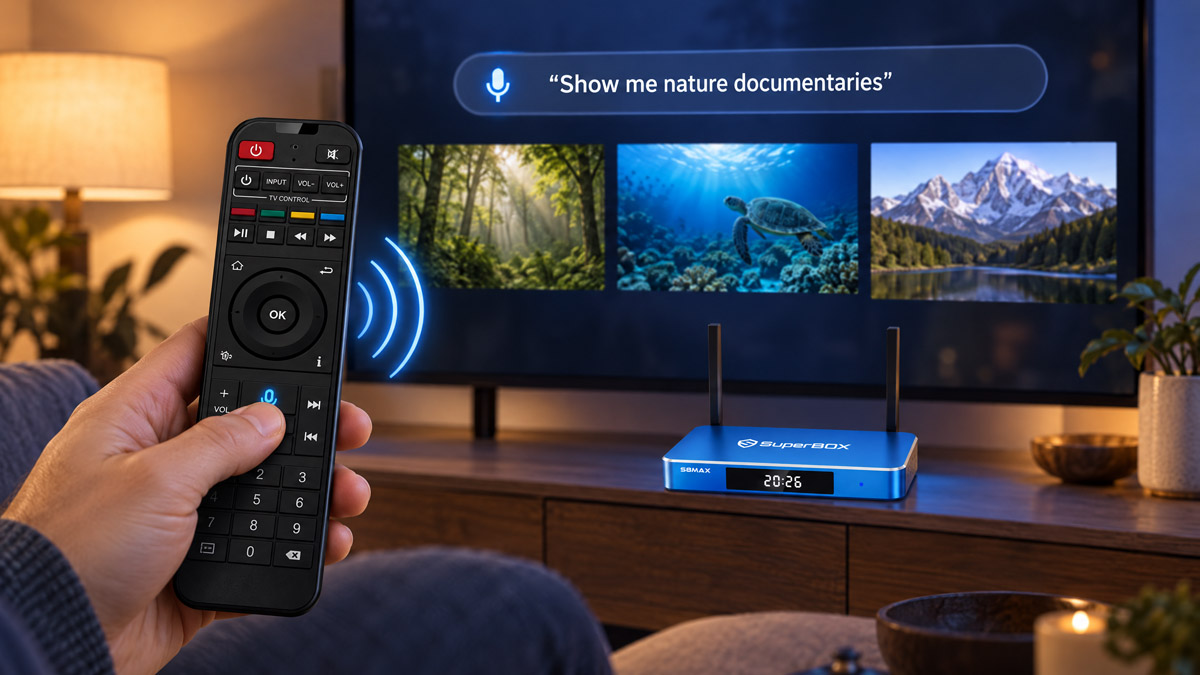
Hold the voice button on the remote and say what you’re looking for. It’s much faster than typing a title one letter at a time, and it works for searching, moving around the menus and controlling playback.
Pairing takes a moment: hold the remote close to the box and follow the steps on screen. Prefer typing? The S8 Max works with a keyboard too.
Try saying
- “Search cooking shows”
- “Open Playback”
- “Pause”
Ports and wireless
Advanced hardware connectivity
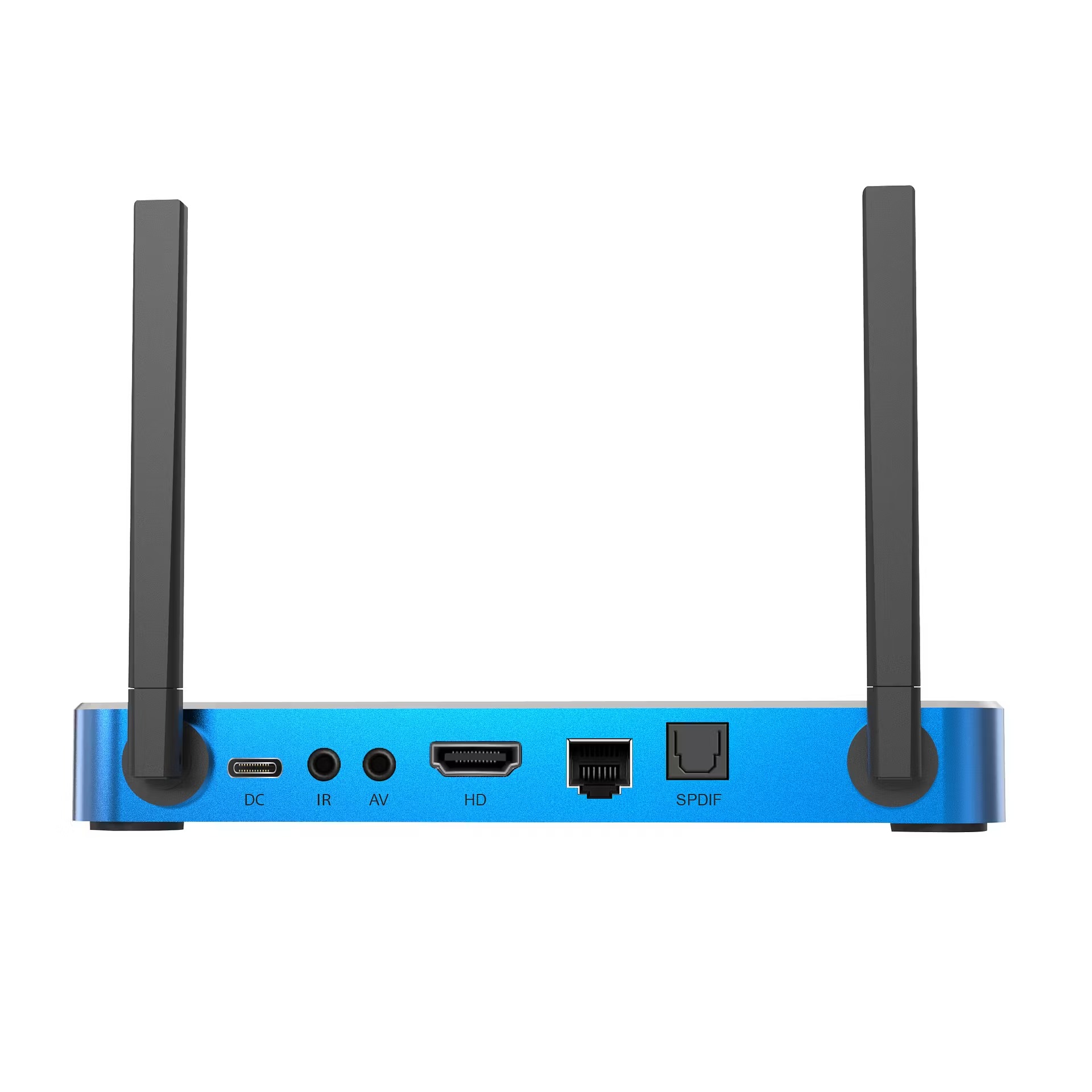
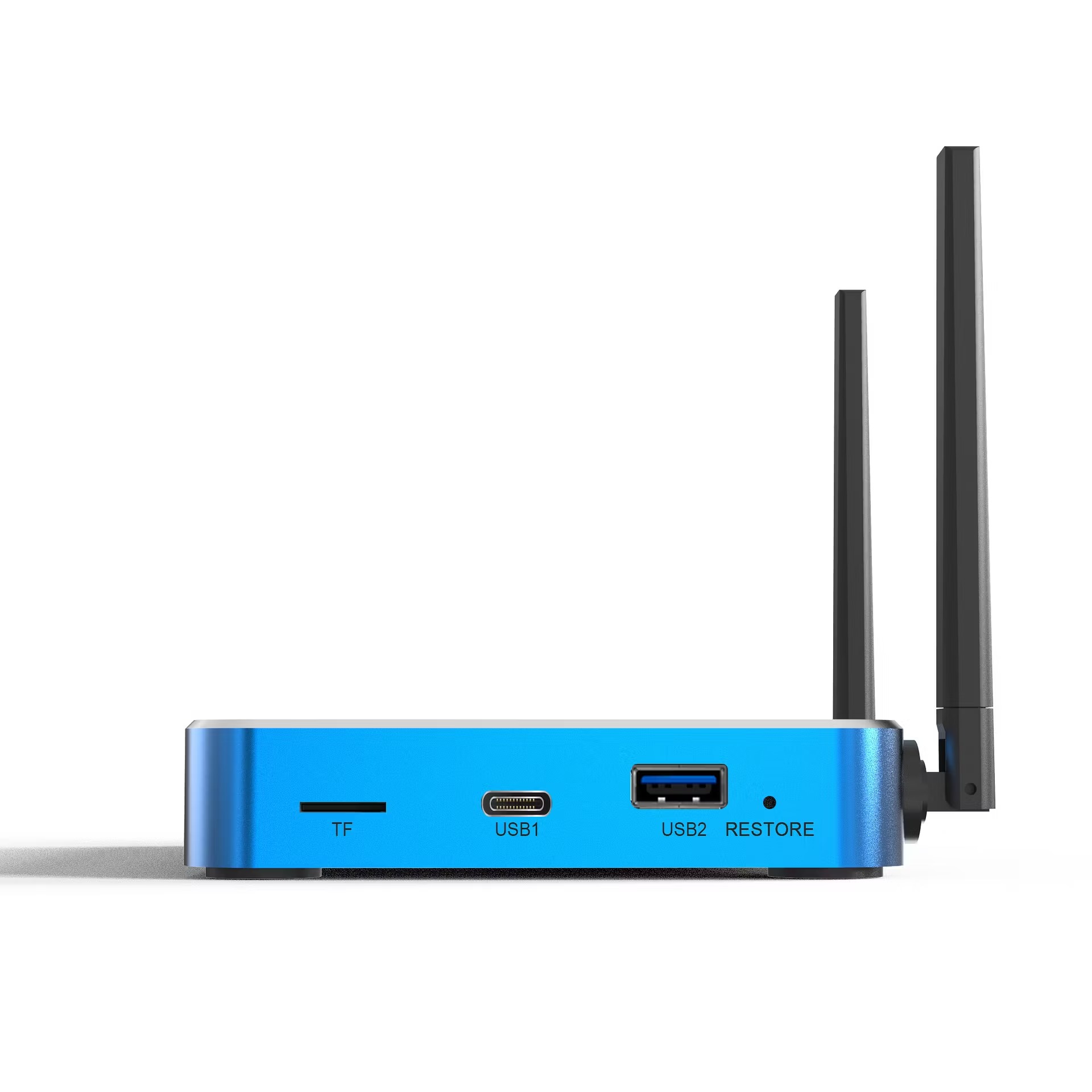
The ports cover what most people plug in. The USB 3.0 port transfers at up to 5Gbps, which suits external drives for recordings and media files. The USB-C port takes keyboards, mice and game controllers, and Bluetooth 5.2 connects wireless accessories.
Power comes in over USB-C (5V/2A) from a detachable adapter, and the picture goes out over HDMI.
- HDMI out
- 1000Mbps Ethernet
- USB 3.0
- USB-C
- USB-C power, 5V/2A
- Bluetooth 5.2
- 2 external antennas

Tech specs
SuperBox S8 Max specifications
| Model | SuperBox S8 Max (2027) |
|---|---|
| Operating system | Android 12.0 |
| Processor | Quad-core ARM Cortex-A53 |
| Graphics | Mali-G31 MP2 |
| Memory | 4GB DDR |
| Storage | 64GB eMMC |
| Video decoding | H.265, up to 6K at 60fps |
|---|---|
| Picture | 4K on a compatible 4K TV |
| Picture-in-picture | Yes |
| Multi-screen | Yes, all supported channels |
| Screen recording | Yes, built in |
| Time shift | Up to 7 days on supported programs |
| Wi-Fi | Wi-Fi 6, dual-band 2.4GHz / 5GHz, 2T2R |
|---|---|
| Antennas | 2 external |
| Ethernet | 1000Mbps (gigabit) |
| Bluetooth | 5.2 |
| USB | 1 × USB 3.0, 1 × USB-C |
| Video output | HDMI |
| Power | USB-C input, DC 5V/2A, detachable adapter |
|---|---|
| Cooling | Fanless, side vents |
| Case | Blue anodized aluminum |
| Display | Clock on the front glass panel |
| Remote | Voice remote |
| Input | Keyboard compatible |
Getting started
In the box and quick setup
You don’t need a smart TV. Any TV or projector with an HDMI input will work, and a 4K TV gets the sharpest picture.
What’s in the box
- SuperBox S8 Max TV box
- Voice remote
- HDMI cable
- USB-C power adapter
- User guide
Set up in about five minutes
- Plug it inConnect the HDMI cable to your TV, then plug in the USB-C power adapter.
- Pick the inputSwitch your TV to the HDMI input you used and adjust the screen scale if prompted.
- Get onlineJoin your Wi-Fi network or plug in an Ethernet cable.
- Pair the remoteHold the remote near the box, follow the on-screen steps, then enjoy the box.
Is the S8 Max the right S8 for you?
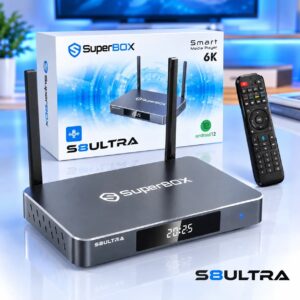
The S8 Pro has 32GB and the S8 Plus has 64GB, but both only allow multi-screen on a small group of channels. The S8 Ultra doubles the storage to 128GB and adds a backlit remote. The S8 Max sits in the middle, with full multi-screen, 64GB of storage and the same Wi-Fi 6 hardware.
Questions
SuperBox S8 Max FAQ
What’s new on the S8 Max compared with the S7 Max?
Both have 4GB of RAM, 64GB of storage, Wi-Fi 6 and gigabit Ethernet. The S8 Max adds picture-in-picture, multi-screen viewing, built-in screen recording, the upgraded streaming system and the redesigned S8 interface.
Can I watch two programs at the same time?
Yes. Picture-in-picture shows a second program in a small window over the main one, and multi-screen splits the TV so you can follow two or more supported programs side by side.
How does recording work, and how much can I record?
Start and stop a recording yourself while a program plays, and the clip is saved to the Recorder app for later. How much you can keep depends on free space. A USB drive in the USB 3.0 port gives you more room. Scheduled recording isn’t available at the moment.
How far back does time shift go?
Up to seven days for supported programs. Open Playback, choose a day and pick the show.
What internet speed do I need?
We suggest about 100 Mbps, measured on the box rather than on your phone. Other devices on the same network share that speed, so a wired Ethernet connection is the most reliable choice.
Do I need a smart TV or a 4K TV?
No. Any TV or projector with an HDMI input works. A 4K TV shows the sharpest picture, and on a 1080p TV the box sends a picture your set can display.
Can one S8 Max work on two TVs?
No, one box runs one TV. For a second room, you’ll need a second box.
How do I turn on parental control?
Open the parental control option in the settings, choose the contents you want to lock and set your code. Then check the controls inside any app your children use, as some apps have their own settings.
What comes in the box?
The SuperBox S8 Max, a voice remote, an HDMI cable, a USB-C power adapter and a user guide.
Ready for the S8 Max?
A genuine SuperBox S8 Max from an official authorized reseller, shipped from the US with free express delivery.
Hot sales
Hot sales right now
-
S7 Series
SuperBox S7 Ultra
$499.00Original price was: $499.00.$381.00Current price is: $381.00. Add to cart -
S6 Series
SuperBox S6 Ultra
$399.00Original price was: $399.00.$299.00Current price is: $299.00. Add to cart -
S8 Series
SuperBox S8 Ultra
$549.00Original price was: $549.00.$449.00Current price is: $449.00. Add to cart -
S8 Series
SuperBox S8 Max
$499.00Original price was: $499.00.$399.00Current price is: $399.00. Add to cart